Compress files inside monday.com.
No downloads, no extra tools.
14-day free trial · No credit card required
Shrink images, compress PDFs, and bundle files into ZIPs — right from your monday.com board.
- 1.Install from the monday.com marketplace
- 2.Add a File Compress recipe in your board’s automation center
- 3.Pick a trigger, the columns, and a compression level
- files compress themselves from then on
Features
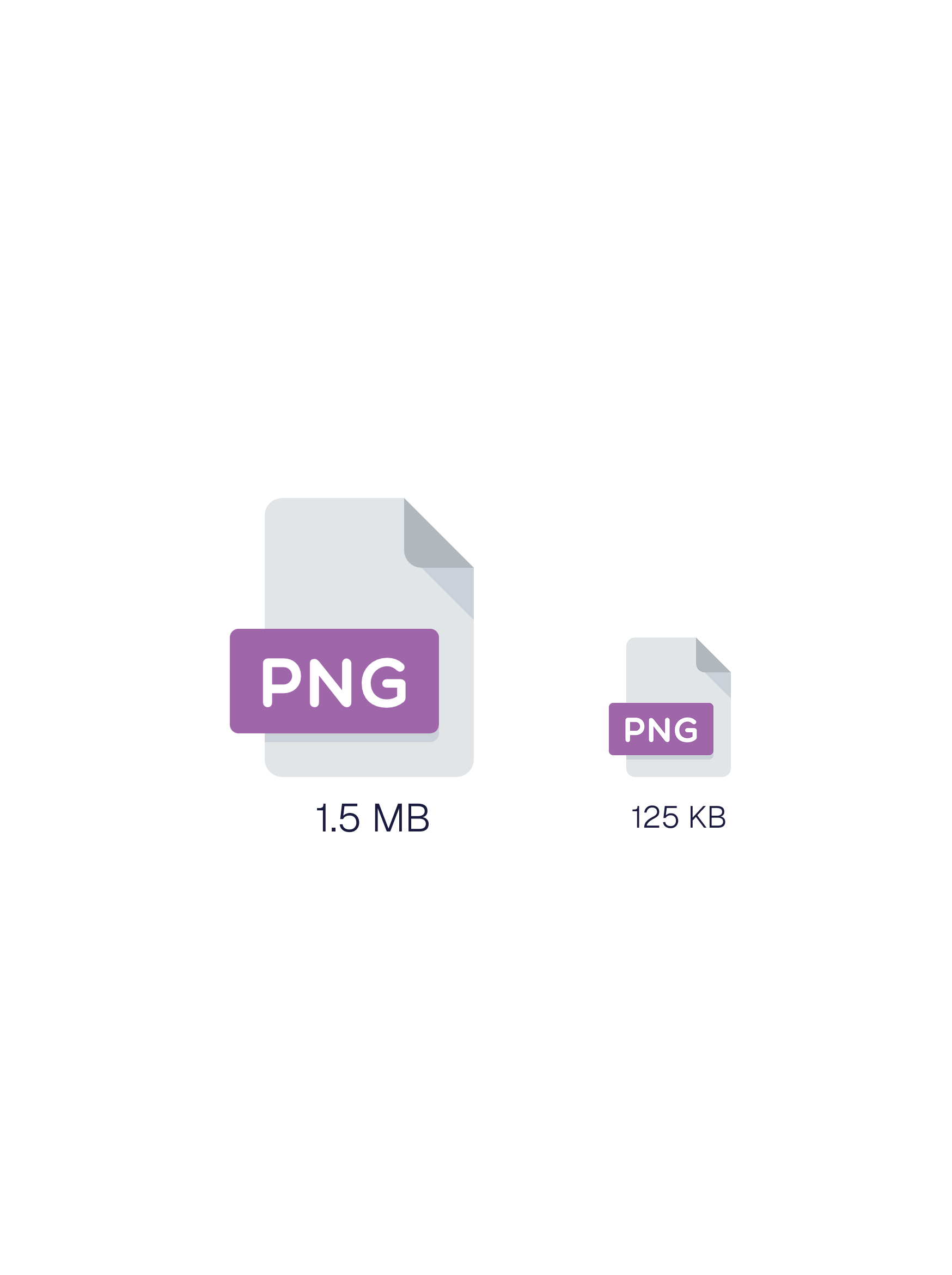
Compress Images and PDFs
JPEG, PNG, WebP, GIF, AVIF, TIFF, BMP, and PDF. Three compression levels so you control the quality-to-size tradeoff.
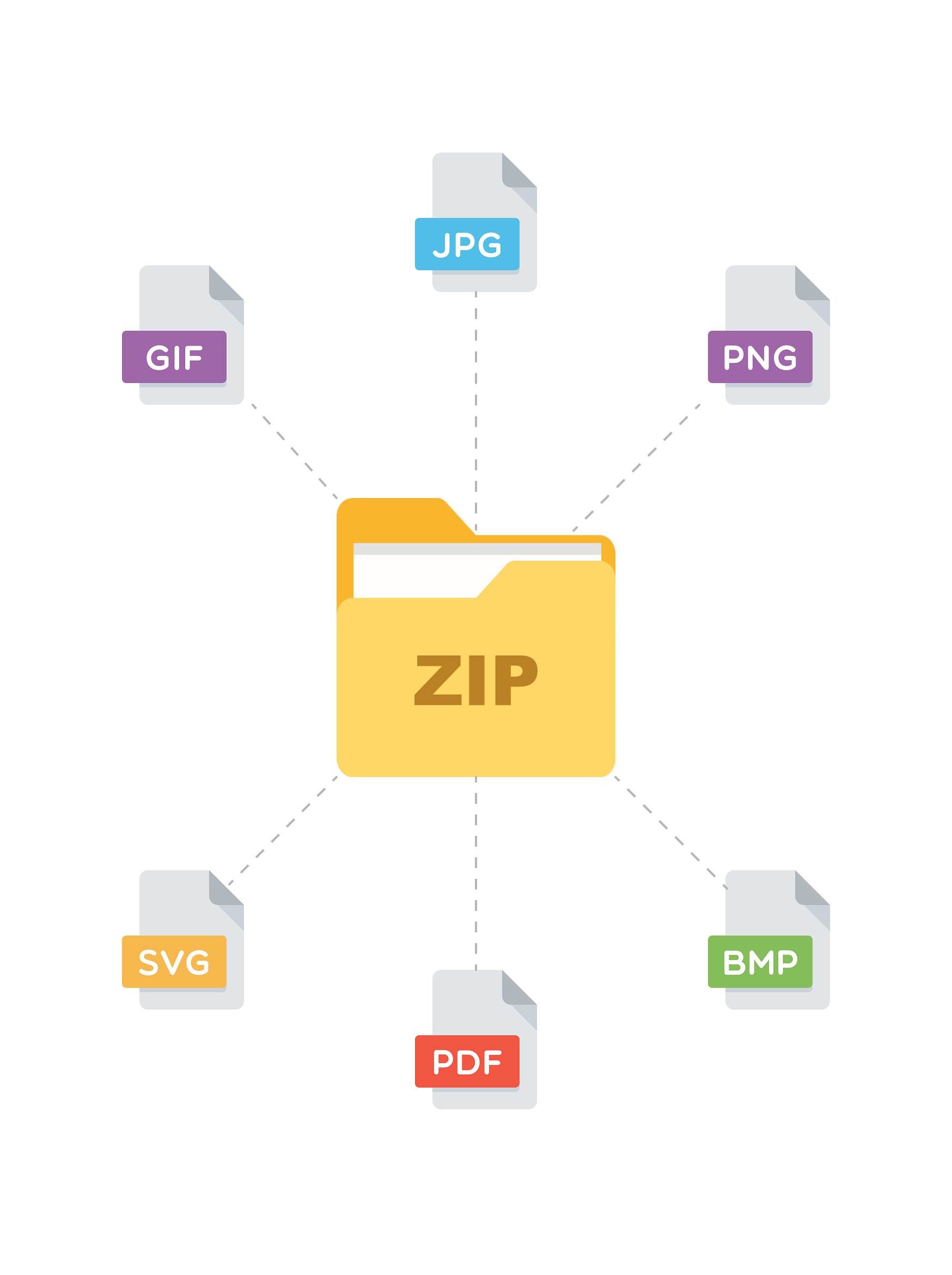
Bundle Files into ZIPs
Bundle every file in a column into a single ZIP when a status changes or a button is clicked. Share lighter packages.

Runs on Automations
Recipes compress or zip files when they're uploaded, when a status changes, or when someone clicks a button. No manual step.
Getting Started
- 1
Install from monday.com
Find File Compress on the monday.com marketplace and add it to your workspace. No code required.

- 2
Set up automations
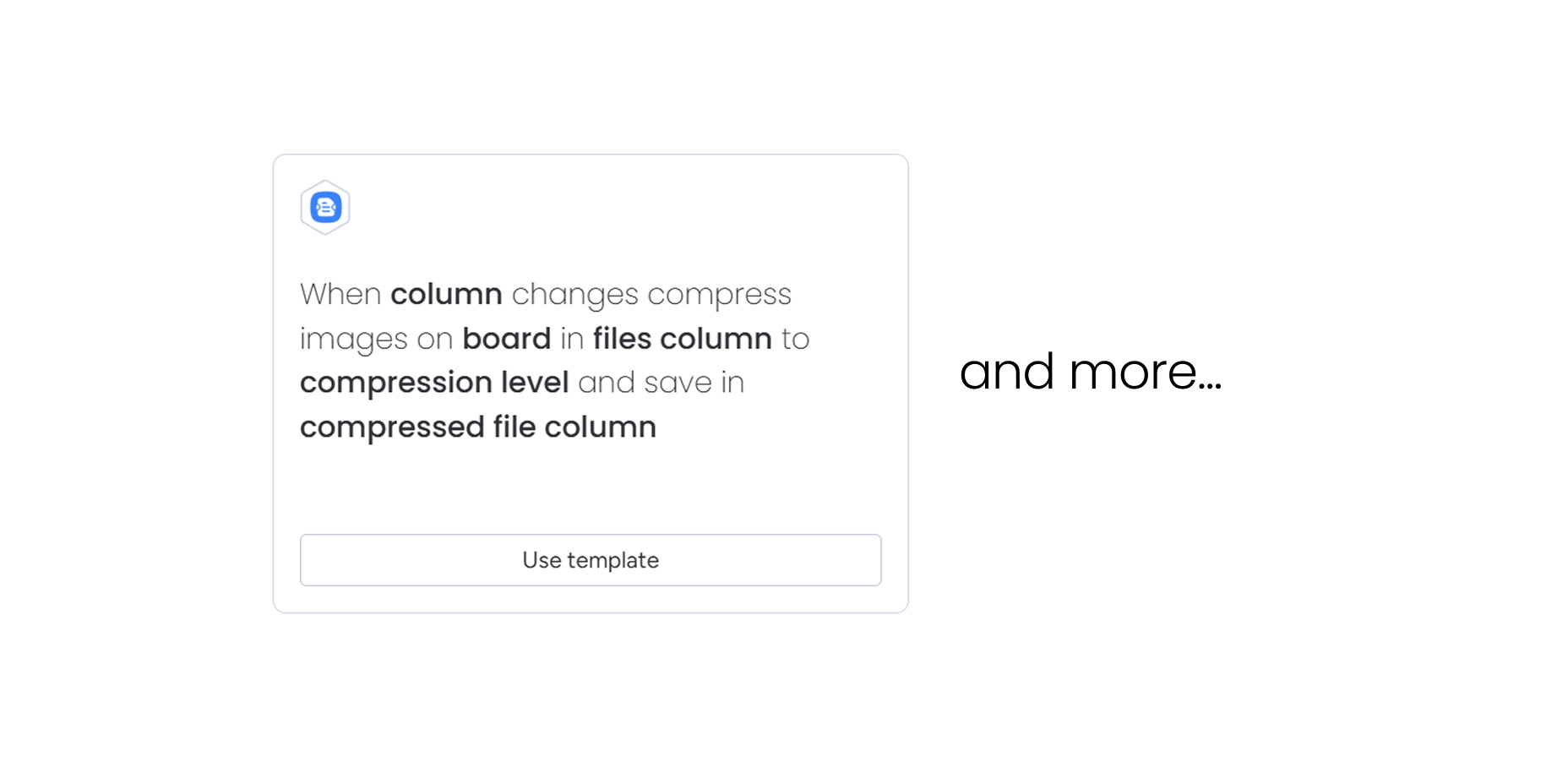
Go to the Automations Center on your board and search for “File Compress”. Nine automation recipes are available.
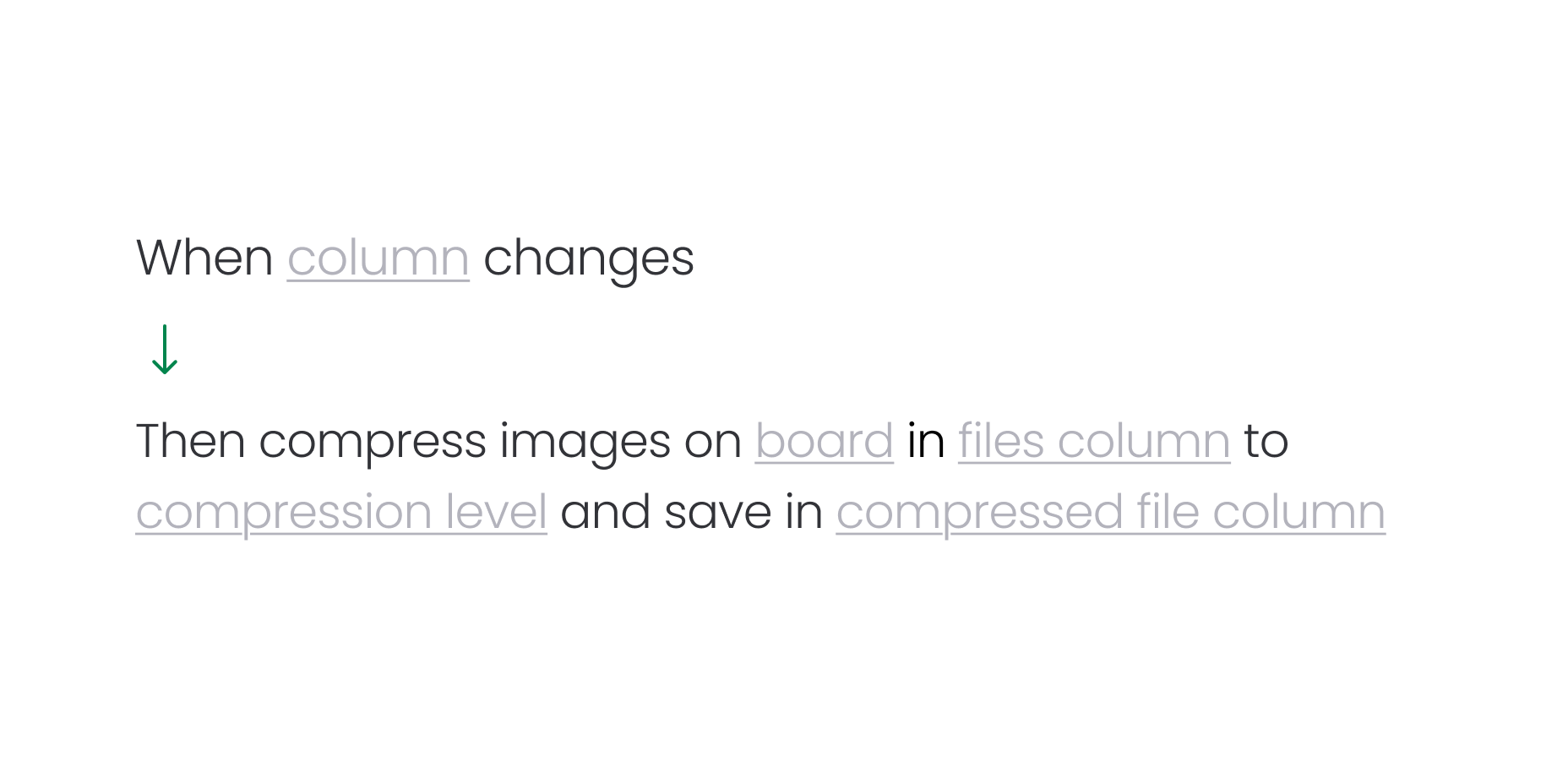
- 3
Start compressing files
Automation recipes are triggered by column changes, status changes, button clicks and more leveraging monday.com's native triggers.
Pricing
$15/mo
Up to 200 files/mo
Image compression, PDF compression, and Zip files.
$29/mo
Up to 1,000 files/mo
Everything in starter.
$49/mo
Up to 5,000 files/mo
Everything in starter.
$79/mo
Up to 20,000 files/mo
Everything in starter.
$149/mo
Up to 100,000 files/mo
Everything in starter.
All prices are per monday.com account. Billing is handled through monday.com.
Common questions
File Compress supports JPEG, PNG, WebP, AVIF, TIFF, BMP, and GIF images as well as PDF documents. All common image formats are covered. Office document and video support is planned for a future update.
It depends on the compression level you choose. Low compression has minimal visual impact with roughly 20–30% size reduction. Medium balances quality and size. High provides maximum compression but may have noticeable quality reduction for images. PDFs are optimized by stripping metadata and using object streams—no visual change at all.
No. Files are processed in memory on AWS infrastructure and deleted immediately after the compressed version is uploaded back to monday.com. We never store your files permanently. See our privacy policy for full details.
Yes. Point the recipe's target column at a different file column from the source. Your original stays untouched and the compressed version is saved separately. To replace files in place instead, set the target column to the same column as the source.
All your data—OAuth tokens, compression logs, and account settings—is permanently deleted immediately upon uninstallation. No data is retained.
Files up to 500MB can be processed, which matches monday.com's own upload limit. Files larger than 500MB are automatically skipped during compression.
File Compress runs entirely on monday.com automations. There are three actions — Compress Images, Compress PDFs, and Zip Files — each of which you can trigger when a file is uploaded, when a status changes, or when someone clicks a button. Compressed files are saved to a target column you choose. Every plan includes all three actions.
Yes—File Compress offers a 14-day free trial with full access, no credit card required. After the trial, choose the plan that fits your monthly file volume. See pricing for details.
Ready to save space?
Start your free 14-day trial. Install from the monday.com marketplace in under a minute.
14-day free trial · No credit card required